




Customer support and employee support.
On the channels they already use.
  • WebChat
  • WhatsApp
  • Telegram
Image Not Found
Supported channels

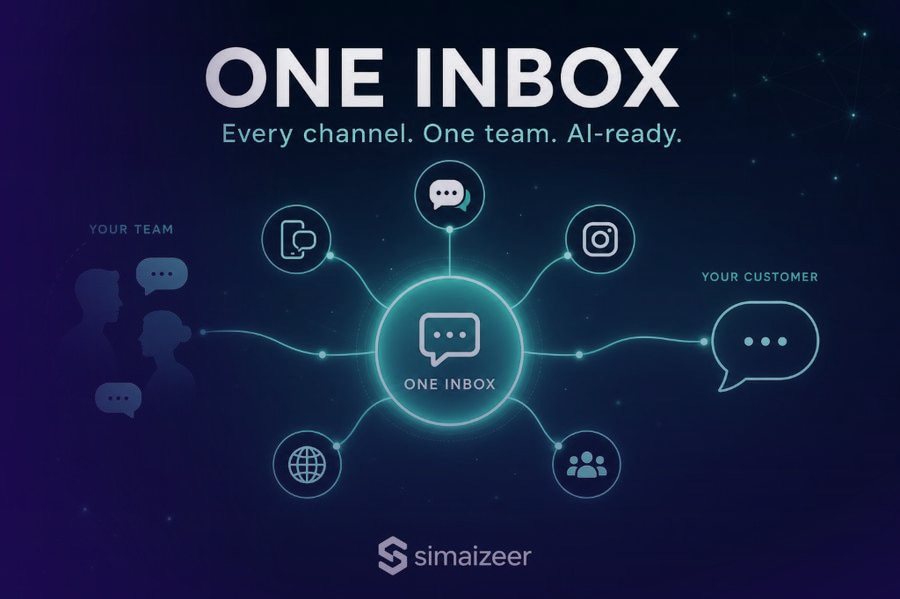
WhatsApp, Instagram, Messenger, Telegram, TikTok, and website chat.

Image Not Found
  • Instagram
  • TikTok
  • Facebook Messenger
How support works
Connect a channel. The agent handles the request.

Customer support and employee support, on every channel.

WhatsApp, Instagram, Messenger, Telegram, TikTok, and the chat on your website. Customer messages and employee requests land in one place. The agent you assigned to that channel replies.

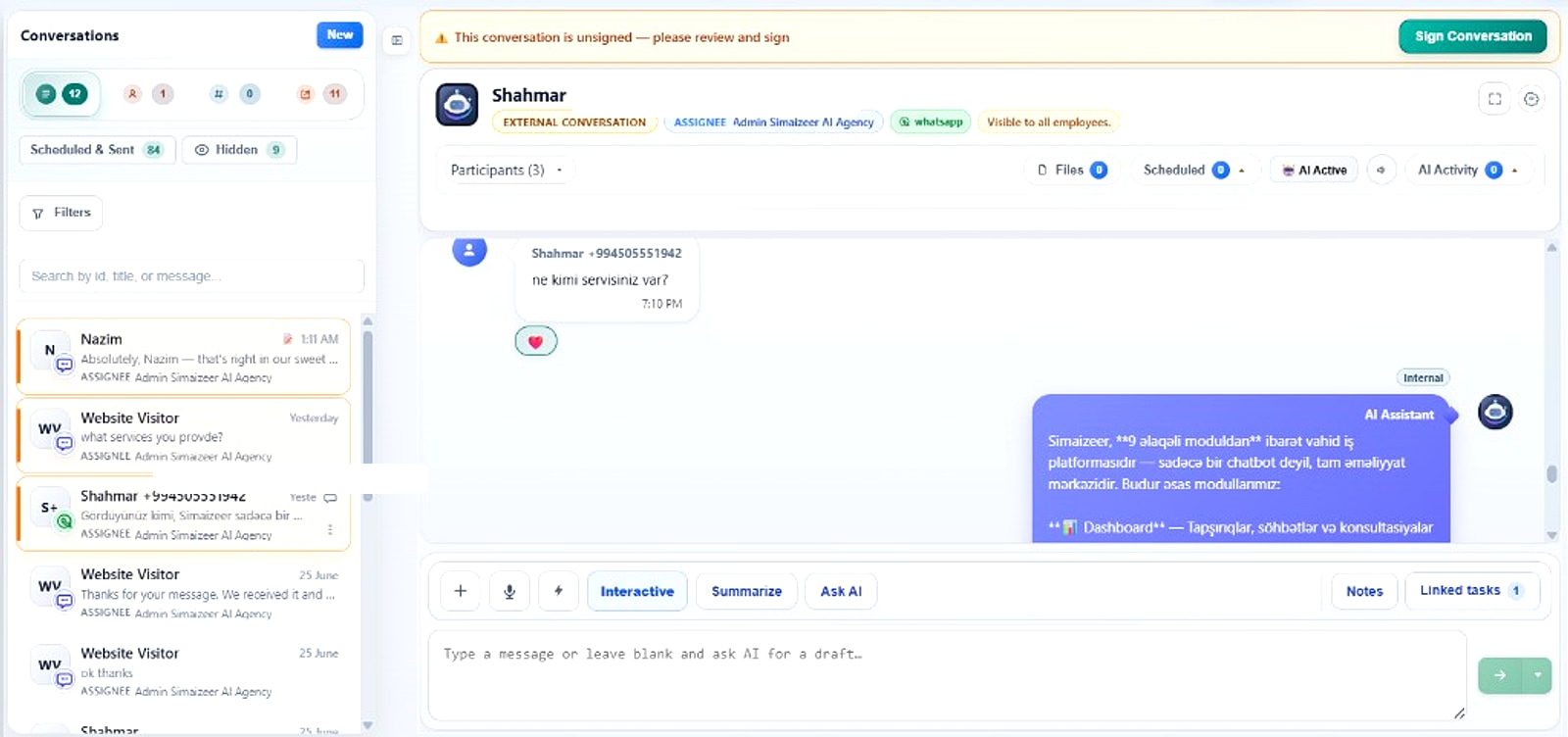
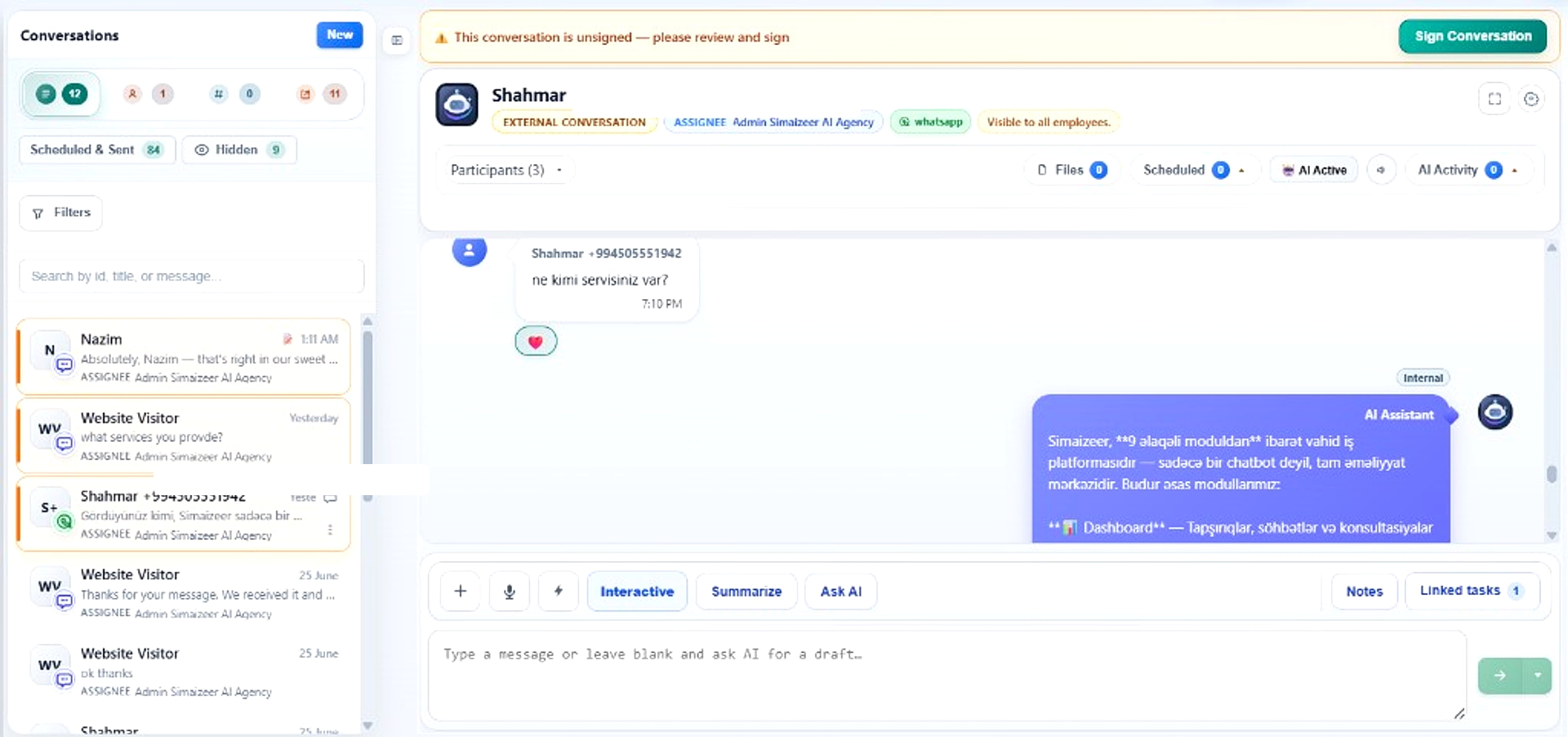
Simaizeer AI Assistant configuration — per-channel prompts, tools, and Instagram comment auto-reply

Create

An agent for customer support, employee support, or both.

Connect

Attach WhatsApp, Instagram, Messenger, Telegram, TikTok, or website chat. Messages on that channel go to this agent.

Handle

The agent replies to the customer or the employee and finishes the request.
Customer support and employee support, in one product

Create the agent, connect the channels people already use, and give it your tools. Customer messages and employee requests are handled the same way.

  • Agents for customers and agents for employees
  • WhatsApp, Instagram, Messenger, Telegram, TikTok, and website chat
  • Your knowledge, APIs, and tools
  • It keeps working after you close the laptop
Simaizeer AI Assistant configuration — customer chats, per-channel prompts, and tools

The request gets finished

A support reply, an employee request, a follow-up. The record updates, so the next person already has the context.

  • A finished request, not a draft in a tab
  • Context stays with the conversation
Image Not Found

One place for both kinds of support

Customer chat and staff requests used to live in different inboxes. Simaizeer is both: AI agents on the channels you already use.

Three steps
01

Create the agent

An agent for customer support, employee support, or both.

02

Connect the channel

WhatsApp, Instagram, Messenger, Telegram, TikTok, or website chat. Messages there go to that agent.

03

Let it handle support

The agent replies on that channel and finishes the request.

How it works
Customer support and employee support,
on every channel.
01

Create

Create an agent for customers, for employees, or for both.

Customer support. Employee support. If it arrives as a message, you can give it to an agent.

02

Connect

Connect the channel. Messages on it go to that agent.

WhatsApp, Instagram, Messenger, Telegram, TikTok, and website chat. Then connect the tools the agent needs to finish the request.

03

Handle

The agent handles the customer or the employee.

You see the result. The agent sends the reply and takes the next step.

iOS & Android

Support, from your phone

The same agents, in your pocket. Read customer and employee conversations, jump into a thread, and keep the request moving when you are away from a desk.

Request a demo
  • Customer support and employee support
  • The same channels as the web app
  • Same login as the web workspace

See support handled on a real channel

A customer message or an employee message. Connect the channel and watch the agent reply.

Simaizeer AI Assistant configuration — customer chats, per-channel prompts, and tools
What you get
  • Customer support and employee support in one product
  • WhatsApp, Instagram, Messenger, Telegram, TikTok, and website chat
  • An agent assigned to each channel
  • Replies that use your knowledge and tools

If customers or employees already write to you there, an agent can take it. We'll show you on a demo.

Create your workspace Request a demo

Create your own workspace at app.simaizeer.org